

CandidraPhoto library for Windows
FreeFind any photo by describing it.
- Type “dog at the beach” and see why each photo matched
- Search the text inside screenshots and documents
- Memories, a places map and duplicate finder, built in
Candidra–□✕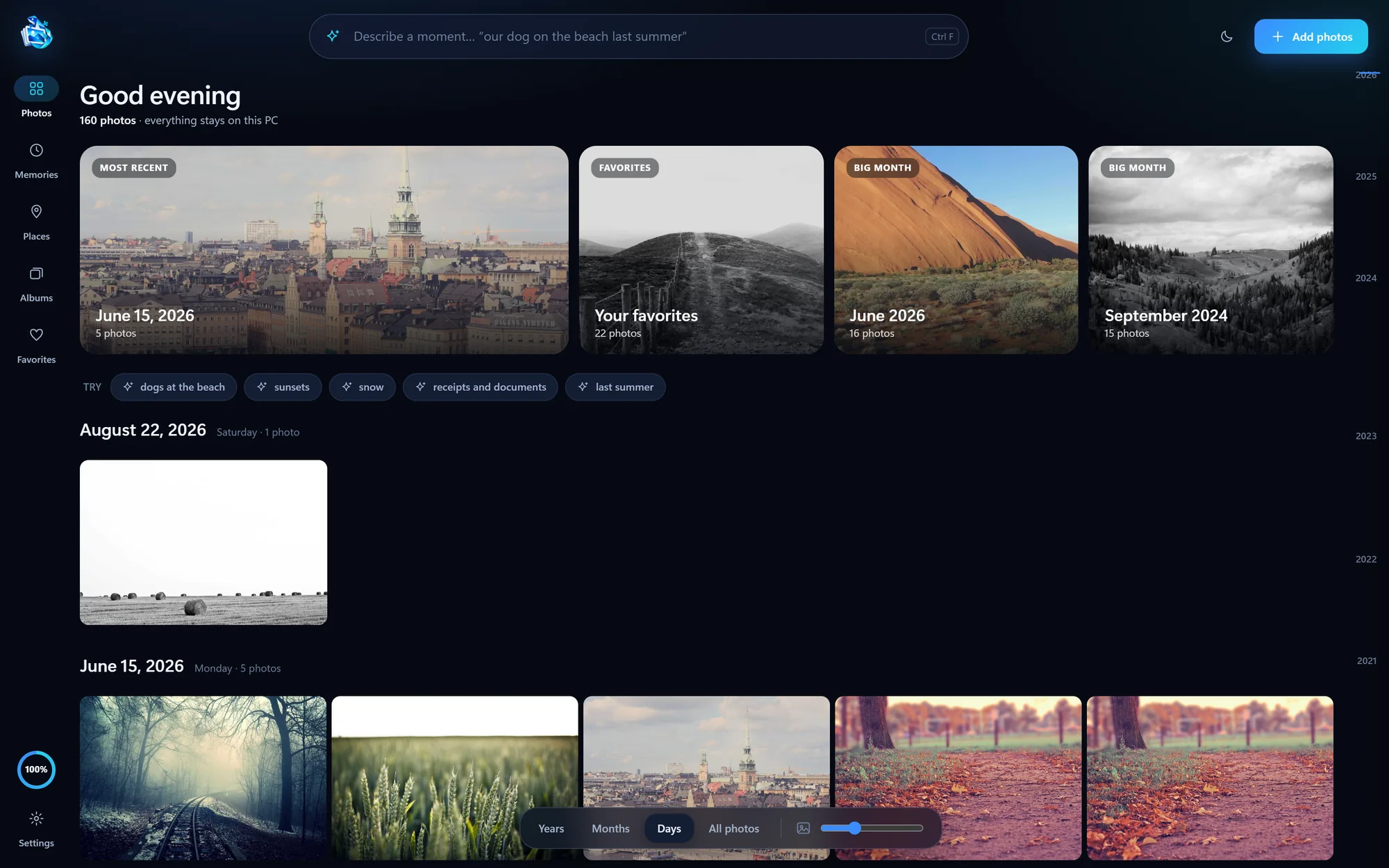
Find any photo on your PC by describing it. Bring your iPhone photos home by cable or Wi-Fi. Both apps run on your computer, and nothing gets uploaded.
Candidra–□✕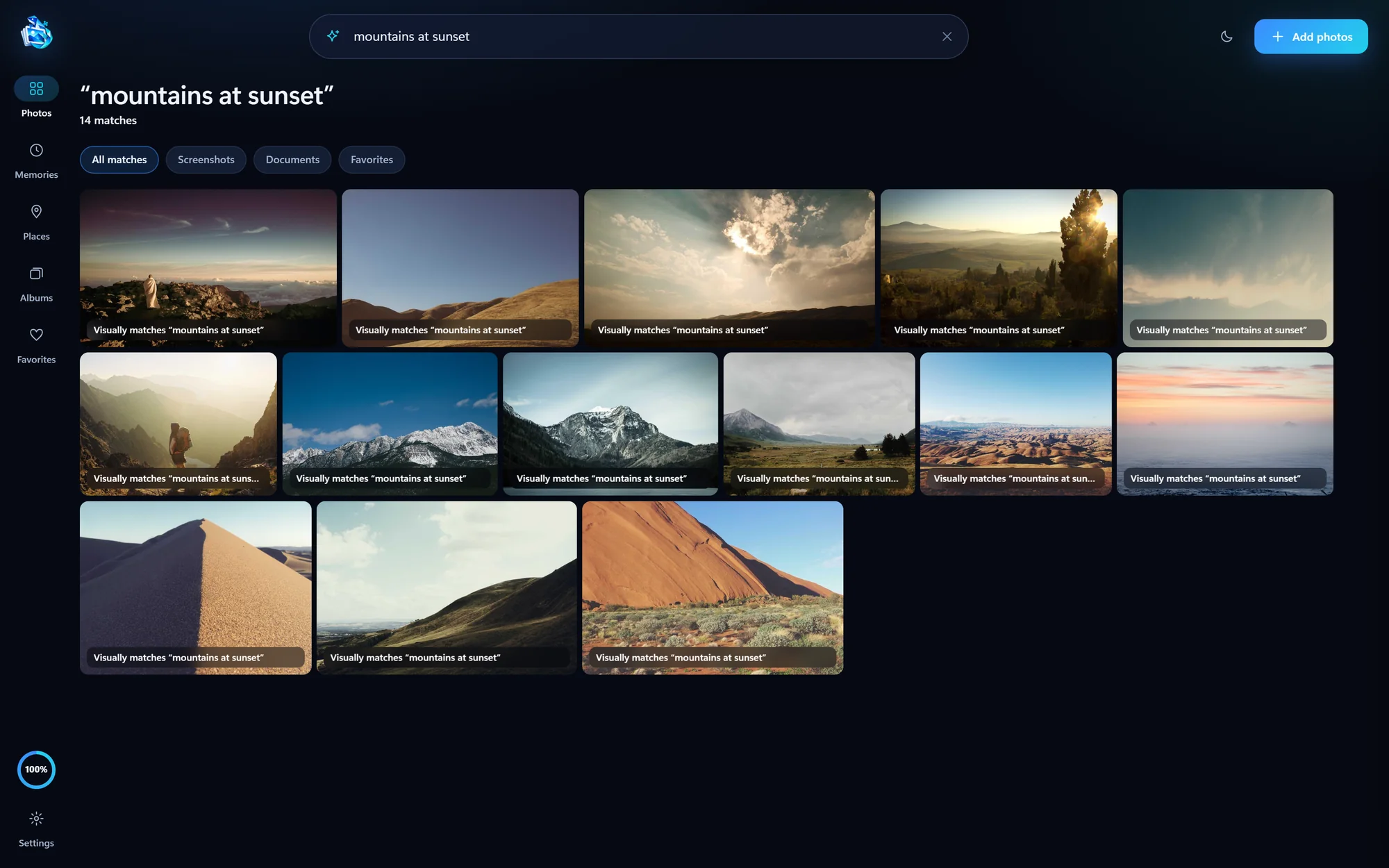
 PixelBeam–□✕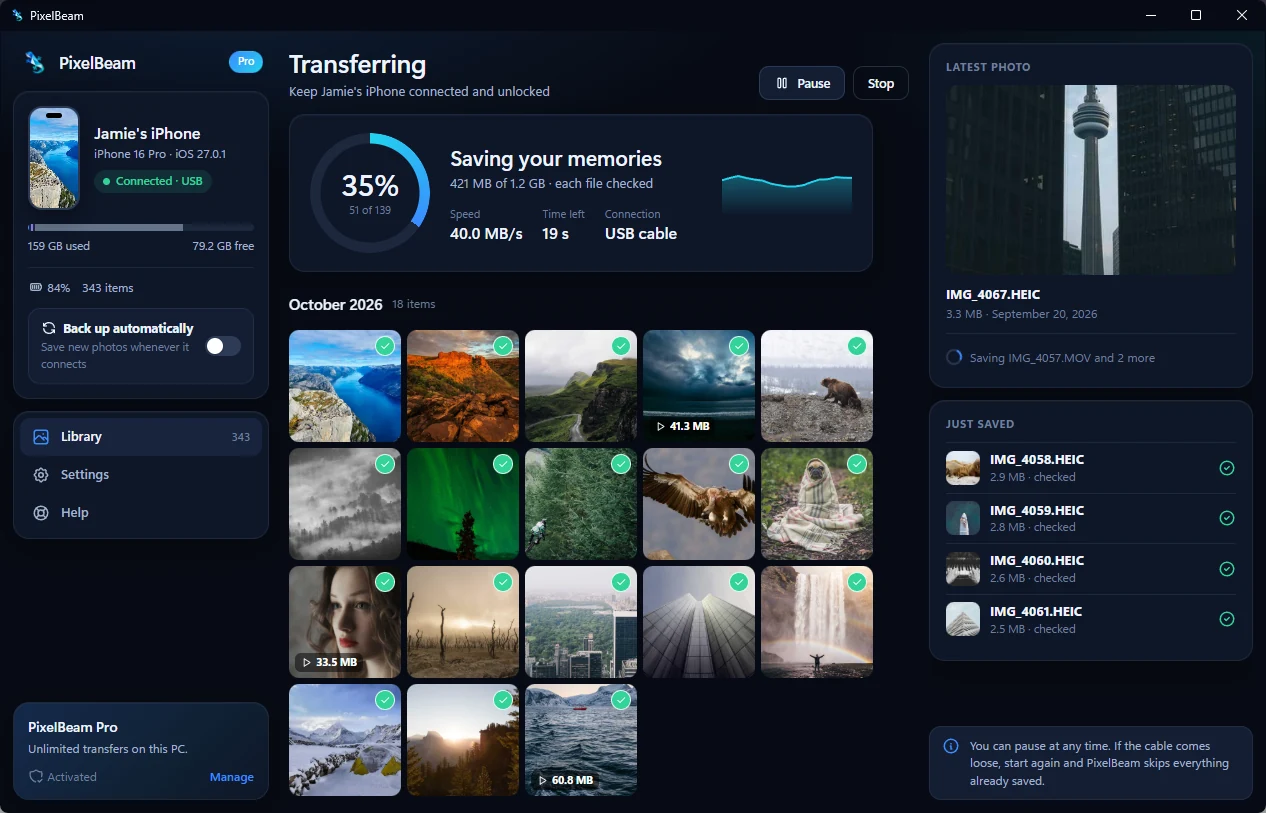

One finds the photo you’re thinking of. The other gets it off your iPhone. Use either on its own, or both together.
Candidra–□✕PixelBeam–□✕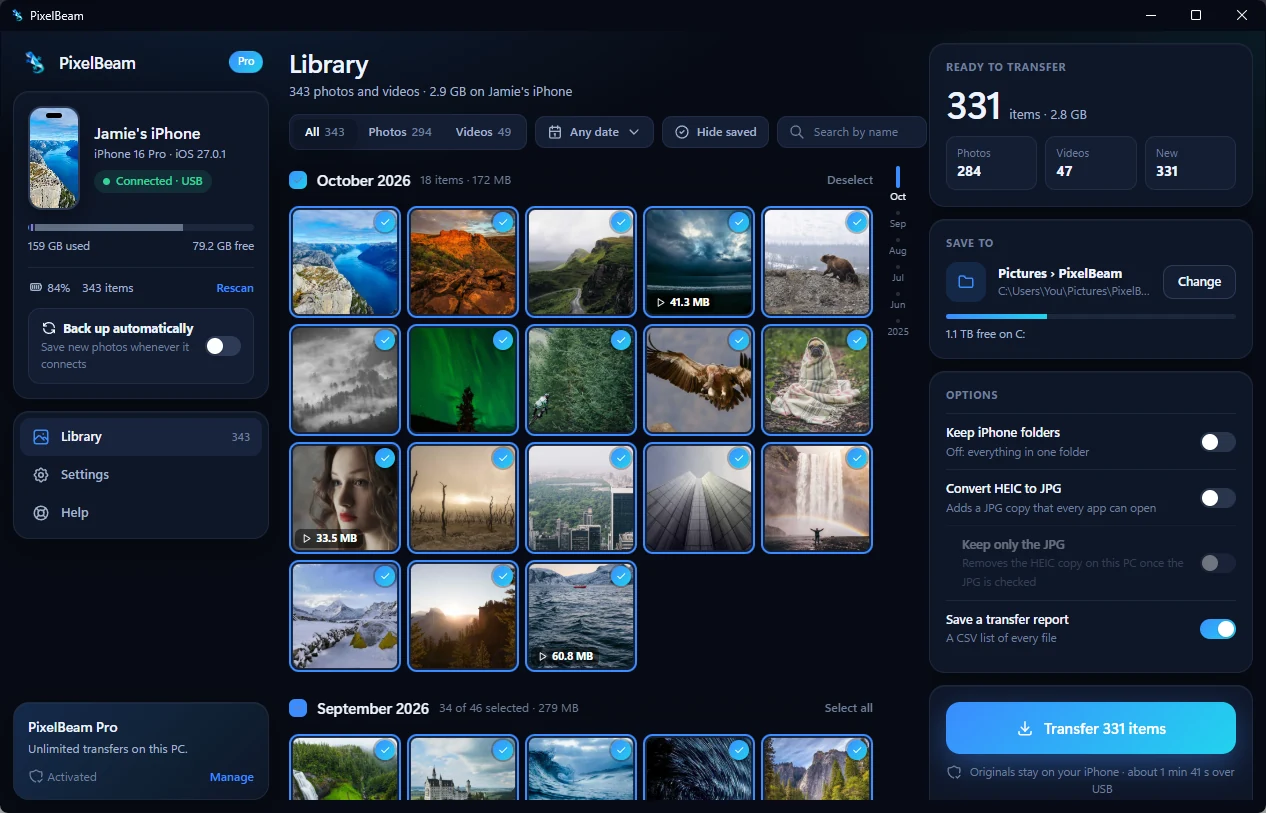
PixelBeam saves your iPhone photos to a folder on your PC. Candidra notices that folder and offers to add it, so new photos show up in your library on their own.
Connect your iPhone by cable, or Wi-Fi after the first time.
Only the new photos, originals kept.
Plain files you own. No special format.
Search them in your own words.
Candidra’s AI runs on your computer, and PixelBeam saves straight to a folder you choose. There’s no PaperNewt cloud to upload to.
Candidra is free. PixelBeam is $4.99 once for two PCs, with a free demo first. No subscriptions.
Every installer is digitally signed, and updates install only after their signature and checksum check out.
Empty DCIM folder, or no iPhone at all? Five checks, in order.
iPhone to PCWhy Windows stops halfway through an iPhone import, and the setting that fixes it.
iPhone to PCOpen them, convert them, or keep originals and JPG copies side by side.
Finding photosFind “dog at the beach” on any Windows 10 or 11 PC, without uploading anything.